
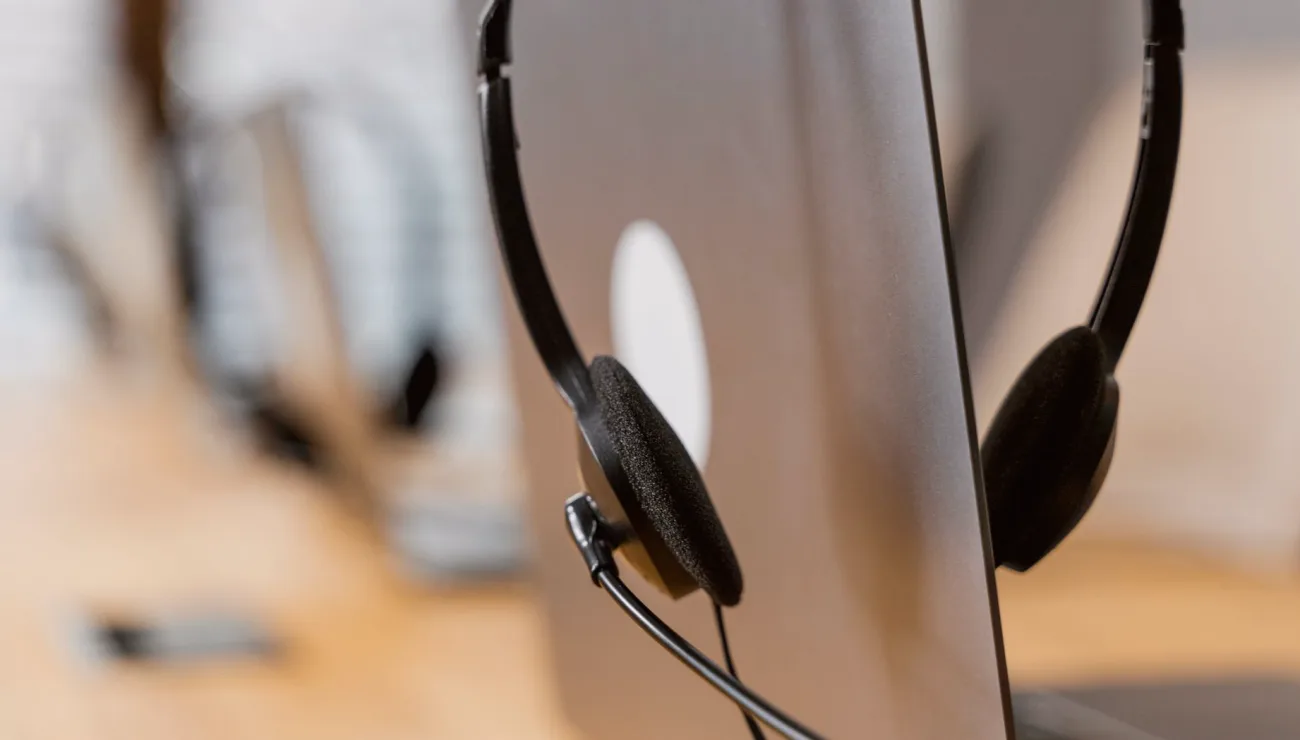
Trusting the laptop microphone
The most frequent mistake is also the easiest to make: a guest joins on whatever they happen to be holding, and the built-in microphone picks up keyboard taps, fan noise and every reflective surface in the room. The result is thin, hollow speech that no amount of processing on your end will fully repair. People often assume that a good webcam means good audio, but the two have almost nothing in common.
Ask every guest, a few days ahead, what they will be using. A wired headset or a simple USB microphone held close to the mouth already beats a laptop by a wide margin. If a guest has nothing suitable, a pair of ordinary wired earbuds with an inline microphone is a workable fallback and far better than the open laptop.
- Ask about the guest's microphone before the day, not during the call
- Prefer a wired headset to a laptop microphone
- Earbuds with an inline mic are an acceptable last resort
Skipping the pre-call check
Many teams connect a remote guest a minute before going live and discover the problems in front of the audience. A short check ten or fifteen minutes earlier costs very little and catches most of what goes wrong: a muted device, the wrong input selected, a level that peaks every time the guest laughs.
In my own sessions I run the same short routine each time. The guest reads a few lines at normal volume, then speaks a little louder, then a little softer, while I watch the meter on my side. I also ask them to look at the screen where the return feed appears, so they know what to expect. It takes about three minutes and removes most surprises.
- Connect the guest well before the start time
- Watch levels while they speak loudly and quietly
- Confirm they can hear the return feed
Forgetting the return feed
A remote guest who cannot hear the room properly will talk over people, pause at odd moments or ask for repeats. Teams concentrate on getting the guest into the programme and overlook the way back: what the guest hears. A simple return feed, with the host and other speakers but without the guest's own voice, is what keeps the conversation natural.
The classic error here is sending the guest a feed that includes their own voice. They hear a delayed echo of themselves and either stop talking or start shouting. Build the return as a mix that leaves the guest out, check it in your own headphones, and tell the guest that a slight delay is normal so they do not try to compensate for it.
- Send a mix without the guest's own voice
- Listen to the return on headphones before going live
- Warn guests that a small delay is normal
Ignoring the guest's room and connection
Guests rarely think about where they sit. A kitchen with a refrigerator humming, a window facing a road, a bare room with hard walls: each adds noise or echo that is hard to remove later. A short conversation before the call can solve much of it, asking the guest to pick a smaller room with soft furnishings and to close the window.
Connection quality matters just as much. Audio drops out long before video does on a weak network, so ask guests to use a cable if they can, or sit near the router, and to close other programs that use the network. If you can, have them record their own end locally as a spare, which leads neatly into the final point.
- Choose a smaller, softer room with the window closed
- Use a cable connection where possible
- Close programs that compete for bandwidth
Having no fallback when the link fails
Even a carefully prepared call can break. A guest's connection drops, a headset disconnects, or the platform stutters for half a minute. Teams without a plan lose the contribution entirely and often have to ask the guest to repeat it, which never sounds as fresh the second time.
A modest safety net is enough. Record the incoming guest signal on your own side, and where practical ask the guest to run a simple local recording on their phone placed near their mouth. Agree in advance what happens if the link fails: who tells the guest, how quickly you switch to a standby, and what the host says to the audience. A rehearsed sentence is better than silence.
- Record the incoming guest signal separately
- Ask the guest for a simple local recording
- Agree the fallback steps before going live
Changing things during the broadcast
A final habit worth breaking is fixing problems live. When a guest sounds slightly off, the temptation is to adjust the gain, switch devices or ask them to move. Each change risks a new problem, and the audience notices the interruption more than the original flaw.
Settle your levels during the check and leave them alone unless something clearly fails. Keep a short list of what to say if an adjustment is unavoidable, and make the change between speakers rather than mid-sentence. If a small fault survives to the end, note it for next time instead of correcting it on air. Calm, repeatable choices make remote guests sound reliable.
- Set levels during the check and leave them
- Make unavoidable changes between speakers
- Note small faults for next time
Remote guest audio rarely fails because of exotic equipment. It fails through small omissions: an unchecked microphone, a missing return feed, a noisy room, no fallback. Fix those in advance and most guests sound clear enough for a stream or an interview recording. Keep the routine short, repeat it every time, and the technical side stops being a worry for the host.