
What gain staging actually means
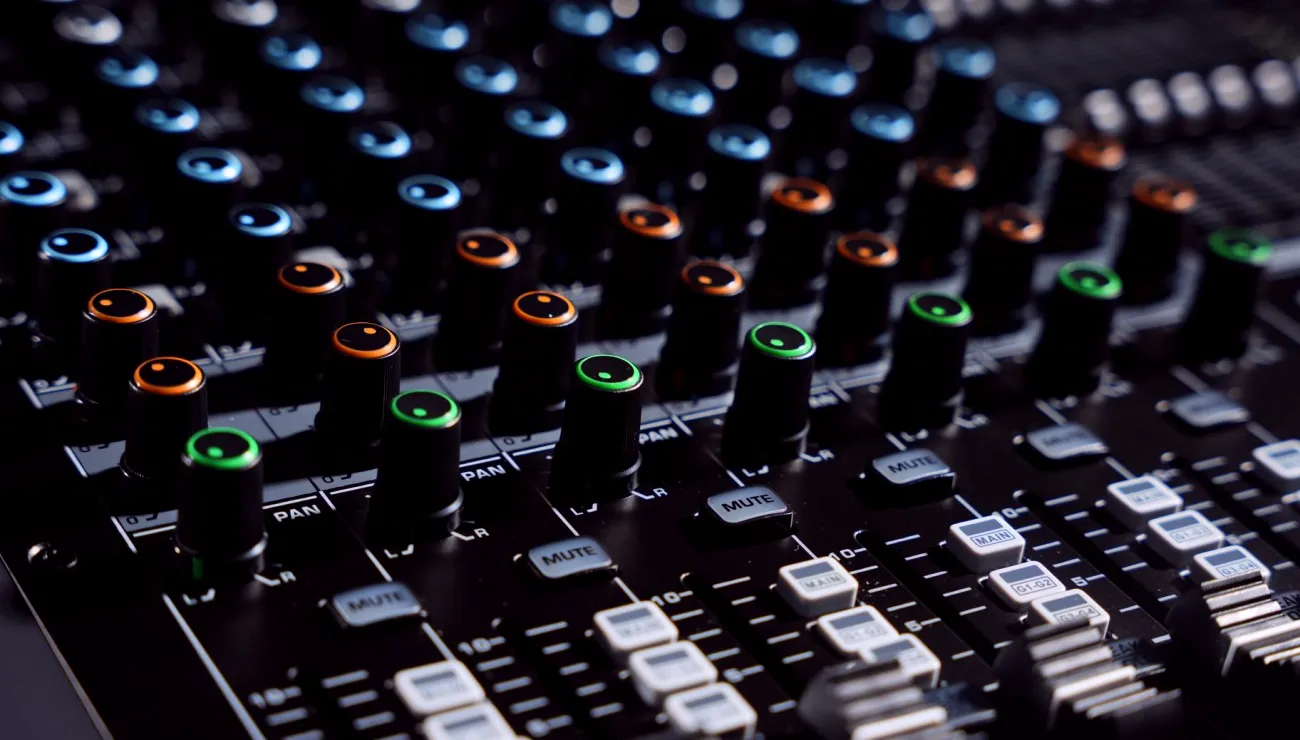
Gain staging is the habit of setting the level of a signal at every point along its path so that it is strong enough to stay clear of noise and low enough to stay clear of distortion. On a field mixer that path begins at the microphone, passes through the preamp, moves through the channel fader and the master output, and finishes at your recorder or camera. Each of those points can add level or take it away, and each one has its own limit.
The phrase sounds technical, but the idea is plain. Think of a row of buckets passing water along a line. If the first bucket is only half full, everything downstream has to be turned up to compensate, and the hiss comes along with it. If the first bucket overflows, no later bucket can undo the spill. Good gain staging simply keeps each bucket at a sensible fill.
Where the signal can go wrong
The most common fault is a preamp gain set too low. The speaker sounds quiet, so the operator pushes the fader or the recorder input to catch up. The result is a recording with a raised noise floor, because the weak signal and the preamp's own hiss were both amplified later. The opposite fault is a preamp pushed too hot, where a laugh or a raised voice clips the input and leaves a harsh edge that no editing can repair.
A third problem is less obvious: a healthy channel feeding a badly set output. The meters on the mixer may look fine while the camera input is clipping, or the recorder sits far below where it should. Checking only one stage tells you very little about the others, which is why the whole chain needs a look.
- Gain too low: hiss rises when levels are lifted later
- Gain too high: clipped peaks that cannot be repaired
- Output mismatch: mixer looks fine, recorder does not
Setting gain in a sensible order
Start at the source. Ask the speaker to talk at the volume they will really use, not a polite test voice, and bring the preamp gain up until the loudest moments reach the upper part of the channel meter without touching the red. Leave the channel fader near its nominal mark so you keep room to move in both directions during the session.
Then move to the output. Set the master level so the signal arrives at the camera or recorder in the range that device expects, and check its own meter rather than trusting the mixer alone. If the mixer offers a limiter, treat it as a safety net for surprises and not as a substitute for setting levels carefully. Work in this order every time and the routine becomes quick enough to run in a few minutes.
Headroom, and why you leave some
Headroom is the gap between your normal speaking level and the point where the signal distorts. Digital recording is unforgiving at the top: once a peak hits the ceiling, the waveform is flattened and the information is gone. Leaving a comfortable gap means a sudden shout, a dropped cup or an excited guest does not ruin the take.
A practical habit is to aim for average speech somewhere in the lower middle of the meter and let the peaks climb above it. It can feel too quiet at first, especially to people used to loud broadcast audio. Remember that a clean, modest recording can be lifted safely in editing, while a clipped one cannot be rescued at all. Quiet and clean beats loud and damaged every time.
- Aim average speech in the lower middle of the meter
- Allow peaks to rise without touching the ceiling
- Clean and modest can be lifted later; clipped cannot be fixed
Monitoring: trusting your ears and the meters together
Meters show level but not quality, and headphones reveal quality but can mislead you about level. Use both. Listen for hum, rustle from clothing, wind or a handling thump while you watch the meter, and fix the physical cause before touching any control. A level that looks right with a rattling cable is still a bad recording.
Set your headphone volume to a comfortable, steady position and avoid changing it mid-session, since that makes everything you hear relative to something that has moved. If the headphone level is turned up to hear a quiet speaker, you may think the signal is fine when it is not. Treat the headphones as a window into the recording, not a way to flatter it.
A short routine for the first minutes of a shoot
Before anyone sits down, check that every cable is seated, phantom power is on only where needed and the recorder is armed. Bring in each speaker in turn, set their gain with real speech, then bring all channels up together and listen for balance between voices. Make a short recording and play it back through the same headphones to confirm what was captured.
Write down the settings you used. A note of the gain positions and output levels takes seconds and saves guesswork if the session breaks for lunch or the room changes. This small habit turns gain staging from a guess into a repeatable procedure that anyone on the crew could follow.
Gain staging is not a secret skill, only the discipline of giving every stage of the chain a sensible level. Set the source first, leave headroom, check the output against the device it feeds and confirm everything by listening. Do it in the same order each time and your levels will stay safe and consistent from the first interview to the last, whatever the room or the equipment.