
Starting from the guest's end of the line
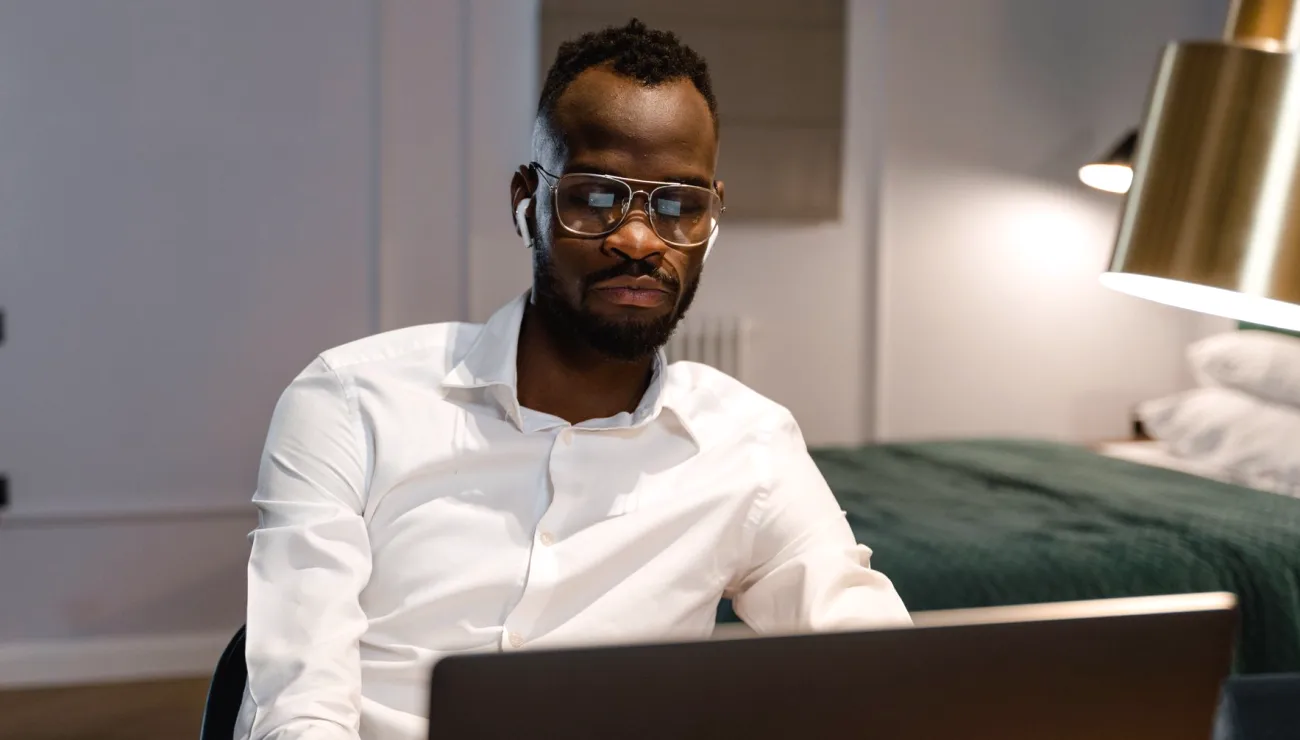
Most remote guest problems are decided before anyone presses record. When I set up a session, my first question is not about software but about the room the guest is sitting in. Is it a kitchen with a hard floor, a spare bedroom, an office with a humming monitor? I ask for a short description or a quick photo, because that tells me what the microphone will have to fight.
Then I ask what hardware they own. A plain wired headset is far more dependable than a laptop microphone, and a cheap USB desk microphone placed a hand's width from the mouth often beats an expensive one left across the table. I would rather work with modest gear used properly than with good gear used badly.
I also ask them to use wired internet if they can and to close anything else that streams or downloads. None of this is glamorous, but it removes the most common causes of dropouts before we begin.
- Ask about the room, not just the equipment
- Prefer a headset or close desk microphone over a laptop microphone
- Wired connection and a quiet network where possible
The pre-call check that saves the session
Around twenty minutes before the recording, I bring the guest on for a private test. This is a working check, not a chat. I ask them to speak at the volume they will use on air, read a few lines, and then stay silent for ten seconds so I can hear the room beneath them.
In those ten seconds I listen for fans, traffic, a refrigerator, a dog in the next room. Once I know what is there, I can ask for a small fix: close a window, move the microphone, switch off a heater. Each change takes a minute, and each one is easier before the guest is nervous and the stream is live.
I also check how they sound when they get louder, since people almost always rise in level once the real conversation starts. I set the gain on my side with some room above the loudest moment I heard, rather than riding the edge of distortion.
Building the return feed the guest actually hears
The return feed is what the remote guest hears from the studio or venue, and it is easy to get wrong. A guest who hears nothing, or hears their own voice echoed back, will talk over people or go quiet. The simple rule is that the guest hears everyone except themselves.
On the mixer this is usually a dedicated send that carries the room microphones and any playback, with the guest's own channel left out. That one omission prevents the echo loop that makes remote speakers sound hollow and hesitant. I label the send clearly so nobody changes it by accident in the middle of the session.
I also keep the return feed at a comfortable level and tell the guest that if it ever sounds wrong, they should say so at once. Giving them permission to interrupt makes small problems short ones.
- Guest hears the room and other speakers, never their own voice
- Label the send so it is not altered mid-session
- Tell the guest to speak up if the feed changes
Keeping a second copy of the guest
Even a good connection can drop. For that reason I ask whether the guest can record their own audio locally while we talk, using a phone voice memo app or a simple recorder held near the mouth. It is a quiet insurance policy that costs them nothing and that I explain in one sentence.
If the live feed stutters, the local file is clean. After the session the guest sends it over, and we can replace the damaged sections. Because the guest has also clapped once at the start, the two recordings line up without guessing.
This works best when it is agreed at the pre-call check rather than sprung on someone mid-interview. A guest who understands why the second copy exists is far more likely to remember to start it and to send it afterwards.
What I watch during the live session
Once we are running, my attention splits between the guest's level and the guest's comfort. I keep headphones on the guest's channel and listen for the first sign of trouble: a rising hiss, a robotic edge, a sudden drop in level that suggests the microphone has been bumped.
I do not make big moves. A guest who is mid-sentence needs a steady level, so I nudge gently and early rather than correcting hard and late. If something truly breaks, I note the time so the editor can find it and, if needed, use the local backup.
Between answers I check that the return feed is still clear and that nobody has changed a setting. A quiet, boring session is the aim, and it usually comes from the preparation done long before.
- Listen on headphones throughout
- Small early adjustments, never sharp corrections
- Note the time of any fault for the editor
Wrapping up and leaving things tidy
When the recording ends, I do not rush the guest off. I ask them to stay on for a moment while I confirm that the files are intact and that the local copy, if there is one, is saved and named clearly. Thanking them properly also matters, because remote guests are often giving their time from home.
I then write a short note of what was used: the guest's microphone, the level settings, the return feed arrangement and any fault times. It takes five minutes and it is the most useful thing I can hand to anyone who works with this guest again.
Over the early autumn weeks, with more guests back in rooms with open windows and changing weather noise, I have found these notes save more time than almost any piece of equipment.
Remote guest audio is rarely a technical mystery. It is a sequence of small, calm steps: understand the guest's room, test before going live, give them a return feed that does not echo, keep a second copy, and watch gently while recording. When these habits become routine, the guest sounds clear and relaxed, and the rest of the crew can concentrate on the programme.