
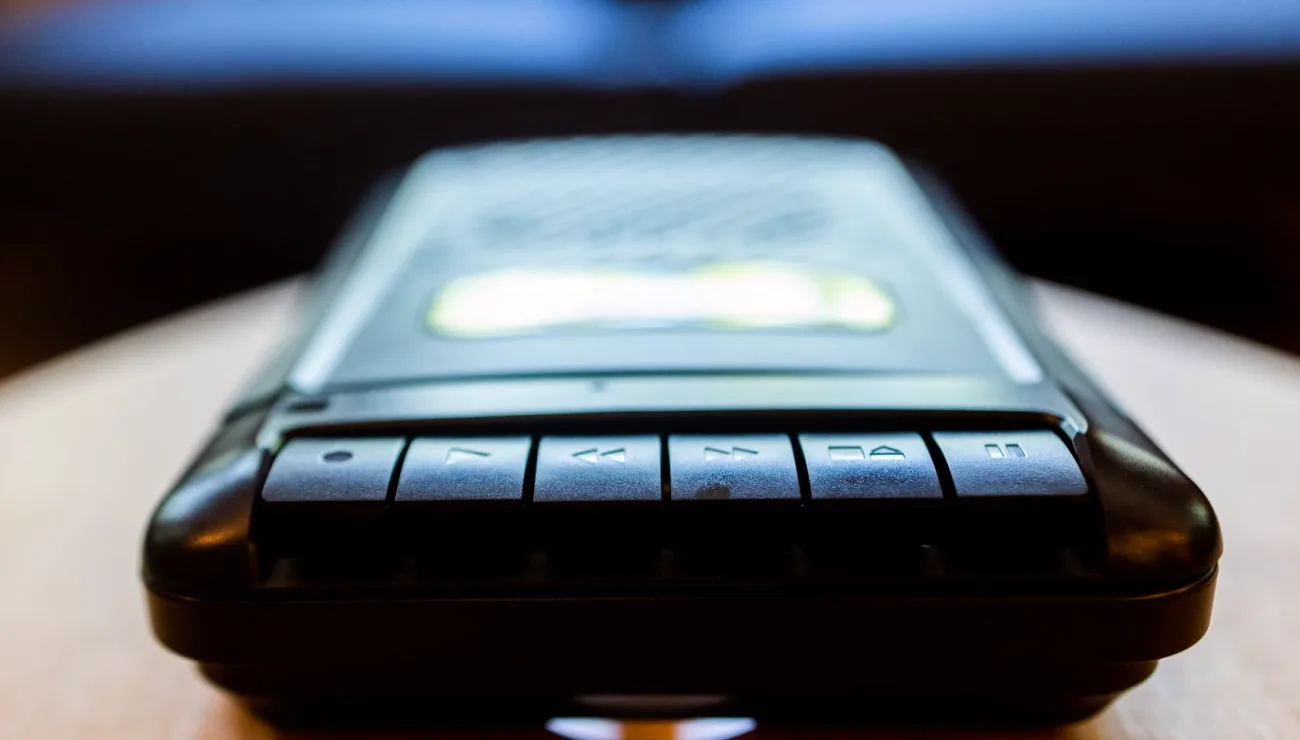
What the word redundancy means on a shoot
In location sound, redundancy has nothing to do with being surplus to requirements. It means a second, independent path for the same audio, so that if one path fails the other still holds the session. The word sounds cold, but the idea is ordinary. You carry a spare tyre for the same reason, and nobody calls the spare tyre wasteful until the morning it is needed.
The important word is independent. Two recorders that share one power source, one cable or one card are not redundant, because a single fault takes both down at once. A true backup path differs from the main one at as many points as you can manage: a different device, a different card, and ideally a different route from the microphone.
Where a single path usually breaks
Most lost sessions come from small, dull causes rather than dramatic failures. A card fills without anyone noticing, a battery drops out between takes, a cable is nudged and the connector loosens, or a wireless link drifts out of range when the speaker walks behind a pillar. None of these is rare, and each one ends a recording that had no second path behind it.
Mid autumn adds its own habits to the list. Venues run their heating hard, rooms grow dry and static-prone, and damp coats and bags come in with the guests. Batteries also lose charge faster in cold vans and entrance halls, so a pack that looked healthy at load-in can be weaker by the time the first speaker sits down.
- Full or slow memory cards
- Batteries that sag in a cold van
- Loose or knocked connectors
- Wireless dropouts behind obstacles
- Software freezes on a laptop recorder
Building the second path, step by step
Start from the mixer. Most field mixers can send the same signal to two places, so one output can feed the camera while another feeds a separate recorder. That gives you a main track and a safety track without asking the speakers to do anything differently, and without adding a second set of microphones to the table.
Next, decide what the backup is for. A clean, full-quality second file is the best result, but even a simple stereo mix on a small recorder will save a session when the main path fails. The backup does not need to be beautiful. It needs to exist, to be running before the speaker starts, and to be stored somewhere other than the device it protects.
Finally, write the path down in plain words before the day: which source goes to which recorder, which card belongs to which device, and who watches each meter.
Setting different levels for the backup
A common habit is to copy the main level straight onto the safety track. It is worth thinking again. If a guest laughs suddenly or raises their voice, the main track may clip, and an identical safety track clips at exactly the same moment. Setting the backup a few decibels lower gives it headroom for the loud peak, and a lower level can be raised afterwards far more safely than a clipped one can be repaired.
This is the practical value of a limiter or a separate gain stage on the backup path. You are not chasing the best take on the safety track. You are trying to make sure it survives the moments that damage the first one. Quiet speakers will sit lower on it, but clean and slightly low beats loud and distorted every time.
Checking the backup while the session runs
A backup you have never listened to is a hope rather than a plan. During the sound check, record a short test on both paths, play both back in your headphones and confirm the two files match in content and level. This takes a couple of minutes and settles the question before anyone important is waiting.
During the session, glance at both recorders at the natural pauses: between speakers, at a change of topic, at a break. Look at the elapsed time, the card space and the battery, not only the meters. When a break comes, check that both files are still growing, and keep the original cards sealed and labelled until the material has been copied twice elsewhere.
- Record a short test on both paths first
- Play both back in headphones
- Check time, space and battery at each pause
- Label cards and keep them sealed
Redundancy is simply the habit of never trusting one path with a session you cannot repeat. Give the second recorder its own power, its own card and its own route, set it a little lower, and listen to it before you start. Interviews and panels rarely run twice, so the extra few minutes of setup are cheap compared with a lost afternoon.