
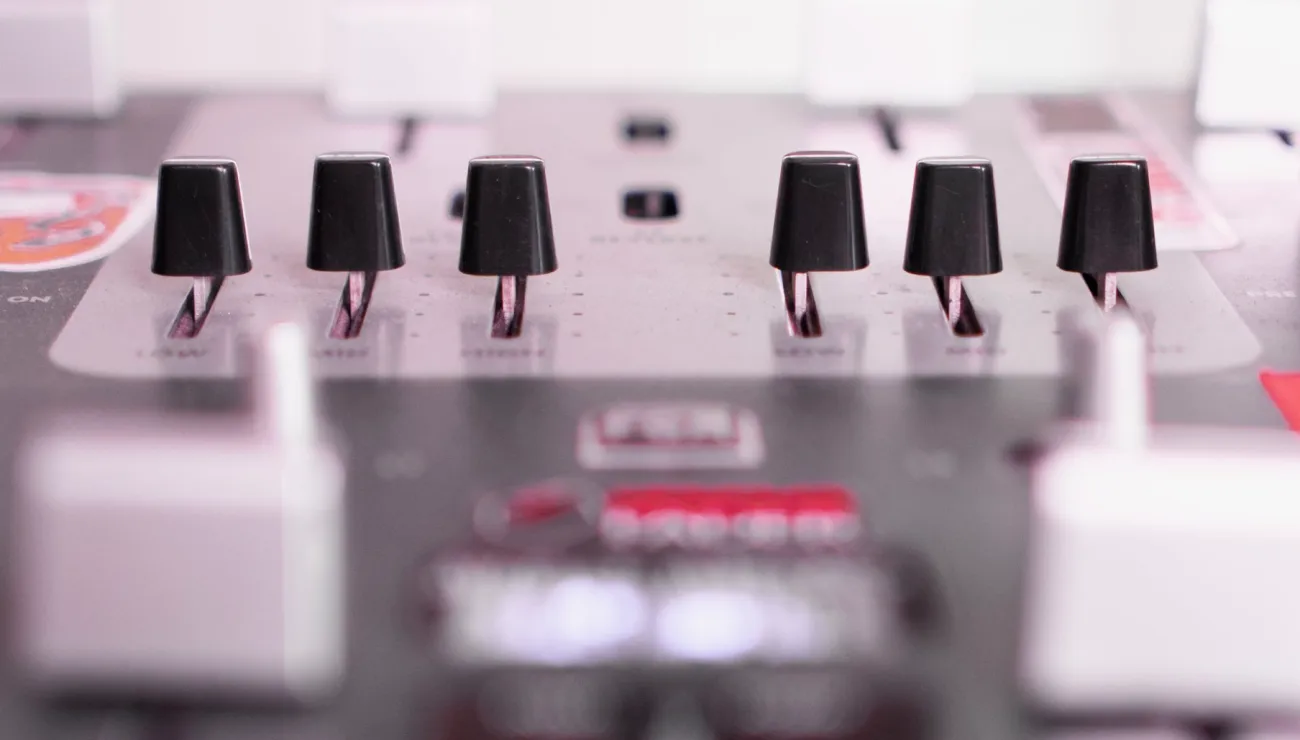
Start with routing before you touch a fader
Most level problems on location begin with a routing decision made too late. Before any microphone is plugged in, decide where each input will go: which channels feed the main recorder, which feed a backup, and which, if any, feed a return or a camera. Write that map on a strip of tape and stick it to the mixer. It takes two minutes and saves the confusion of hunting for a missing channel while a guest is already seated.
I teach learners to build the signal path in the same order every time: inputs first, then the bus or output assignment, then the monitor feed. Working in a fixed order means a missed step shows up as a gap in the sequence rather than as a mystery during the recording.
Keep the layout simple on small jobs. Two lavaliers and a boom do not need clever subgroups. If a setup needs a diagram to explain it to a colleague, it is probably more complicated than the day requires, and complication is where mistakes hide.
- Label every input with tape before connecting anything
- Assign outputs to the recorder and backup first
- Check that no channel is routed twice by accident
Setting gain so the loudest moment still fits
Gain is the one control that cannot be repaired afterwards. Too low and you lift noise when you bring the level up later; too high and a laugh or a raised voice clips and stays clipped. The aim is to set input gain so normal speech sits comfortably in the middle of the meter, with headroom left over for the moments people do not announce.
Ask each speaker to talk for about thirty seconds at the volume they will use, then ask them to say something a little louder, as they might when they get animated. Set gain for that louder voice, not the polite test voice. Speakers nearly always get louder once the conversation warms up.
Adjust one channel at a time and leave it alone once it is right. Chasing levels during a take teaches you to be reactive, and reactive mixing leaves audible bumps. A good starting gain, set patiently, lets your hands rest for most of the session.
- Test with normal and slightly raised speech
- Set gain on the louder of the two
- Leave settled channels untouched during the take
Using limiters as a safety net, not a fix
A limiter on the input or the output stage is a useful seat belt. If a guest coughs into a lavalier or a door slams near the boom, the limiter catches the spike that would otherwise distort. Switch it on for interviews and panels, where unexpected volume is common and retakes are not.
What a limiter cannot do is rescue a gain setting that is wrong to begin with. If you see the limiter light flashing through ordinary speech, the gain is too hot. Turn the gain down until the limiter only wakes up for genuine surprises. Treat its indicator as information about your setup rather than permission to relax.
Know where the limiter sits in your particular mixer and what its threshold is. Read the manual once, properly. Learners often discover that a feature they assumed was active had been bypassed in a menu, and finding that out on a quiet afternoon beats finding it out mid-session.
- Enable limiters for unpredictable speakers
- Flashing on normal speech means gain is too high
- Confirm the limiter is actually active before recording
Headphone monitoring that tells you the truth
Your headphones are the only window into what the recorder is hearing, so choose closed-back pairs that isolate you from the room. Open designs let venue sound leak in and make it hard to judge hum, wind or the faint rustle of a jacket against a lavalier. Set your monitor level at a sensible, steady volume and keep it there so your ears judge consistently from job to job.
Listen to each channel on its own first, then to the combined mix. Solo monitoring reveals a single noisy input that the blended signal hides. Check for clothing movement, breathing close to the capsule, buzz from lighting, and any crackle from a loose connector.
Remember that monitoring is a listening tool, not a measuring one. Pair what you hear with the meters. If the two disagree, stop and find out why. A calm headphone check at the start of each setup catches faults that would otherwise surface only in the edit.
- Use closed-back headphones to block room sound
- Solo each channel before judging the full mix
- Trust meters and ears together, not one alone
A repeatable check just before recording
Once routing, gain and monitoring are set, run a short final check that never changes. Confirm every channel shows signal, every label matches its source, the recorder is armed on the right tracks, and the backup path is running. Say the names of the speakers aloud into their own microphones so the files can be matched to people later.
Record a few seconds of room tone before the first question. It looks like a small formality, but editors rely on it to smooth cuts, and it also gives you a chance to listen to the room once more with nobody speaking. Any hum or hiss you missed will be plain to hear.
Finally, glance at the recorder's remaining card space and battery. These are the dullest items on the list and the ones that most often end a session early. A habit of checking them every time is worth more than any piece of equipment.
- Verify signal, labels and armed tracks
- Capture room tone before the first question
- Check card space and battery last
Keeping levels consistent across a long day
Over several hours, levels drift in small ways. A speaker leans away from the microphone, a battery weakens, someone repositions a lavalier after lunch. Build short pauses into your routine, between segments or guests, to glance at the meters and listen again in the headphones. A quick recheck takes seconds and keeps the whole day matched.
Make notes as you go. If you changed a gain setting or swapped a cable, write it down with a rough time. Those notes help the editor understand a change in sound and help you repeat a good setup the next time you work in the same venue.
Above all, stay unhurried. Calm hands make steady levels. Learners who rush the setup tend to spend the session worrying about it, while those who set carefully can listen to the conversation and notice a problem the moment it starts.
- Recheck meters between segments
- Log any gain or cable changes with a time
- Stay unhurried so you can listen
Good mixer setup is mostly order and patience: route first, set gain for the loudest realistic moment, use the limiter as a backstop, and trust a closed headphone check. Run the same short routine before every recording and revisit levels between segments. None of it is complicated, but doing it the same way every time is what keeps a session safe, consistent and easy to edit later.